It’s About Time
Welcome to the Acuity blog — a place for inspiration, best practices, and the latest updates in all things appointments.
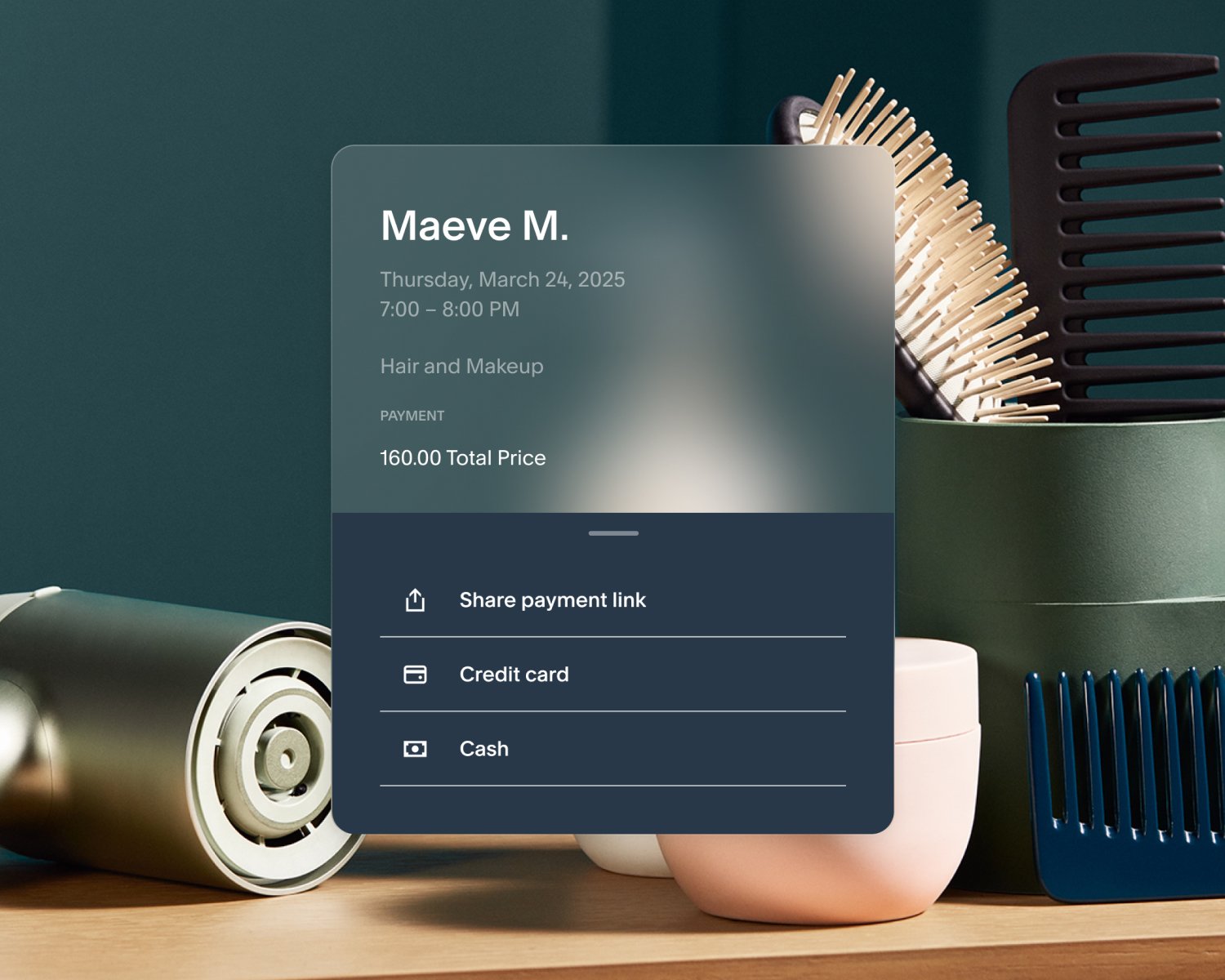
Come aumentare i ricavi e fidelizzare i clienti con gli strumenti di pagamento avanzati di Acuity
Explore powerful payment features that simplify transactions, delight clients, and boost sales—online and in person.
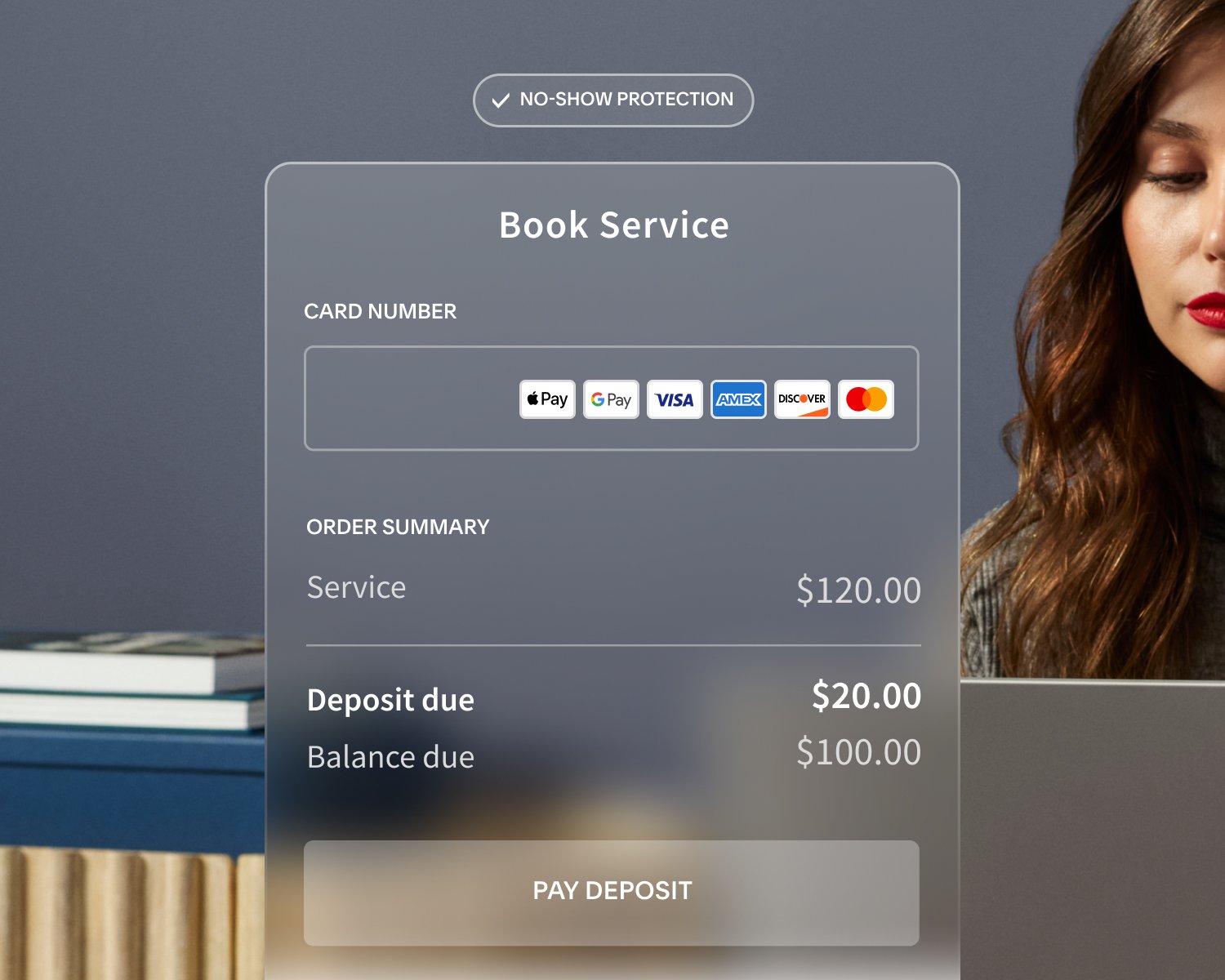
How to Set Up Your Payment Policies: Key Considerations
Learn how to set up your payment policies to suit your unique business and client needs.
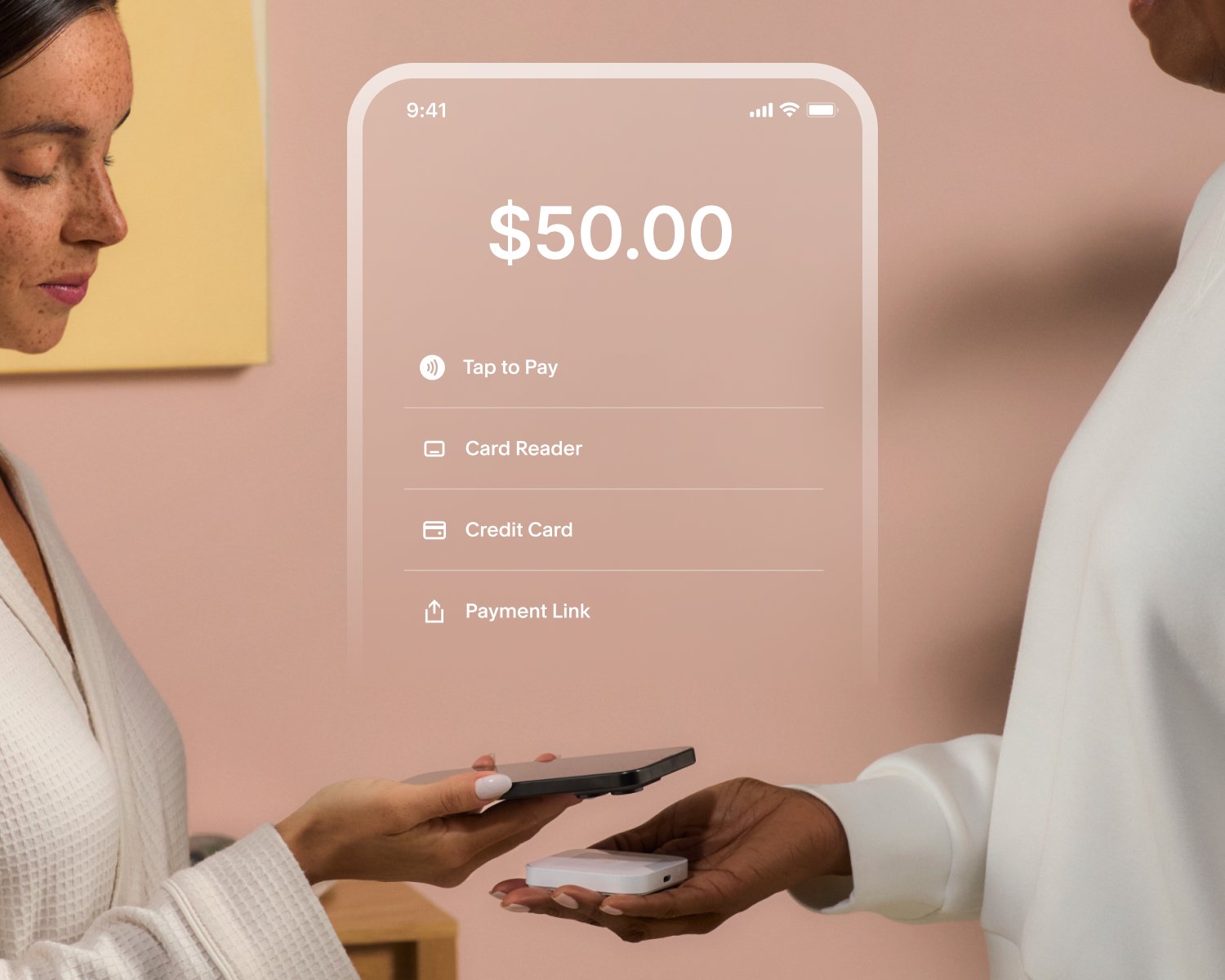
Why You Need a Payment Processor and How to Choose the Right One for Your Business
Learn the benefits of connecting a payment processor to Acuity and whether Stripe, Square, or PayPal is best for you.
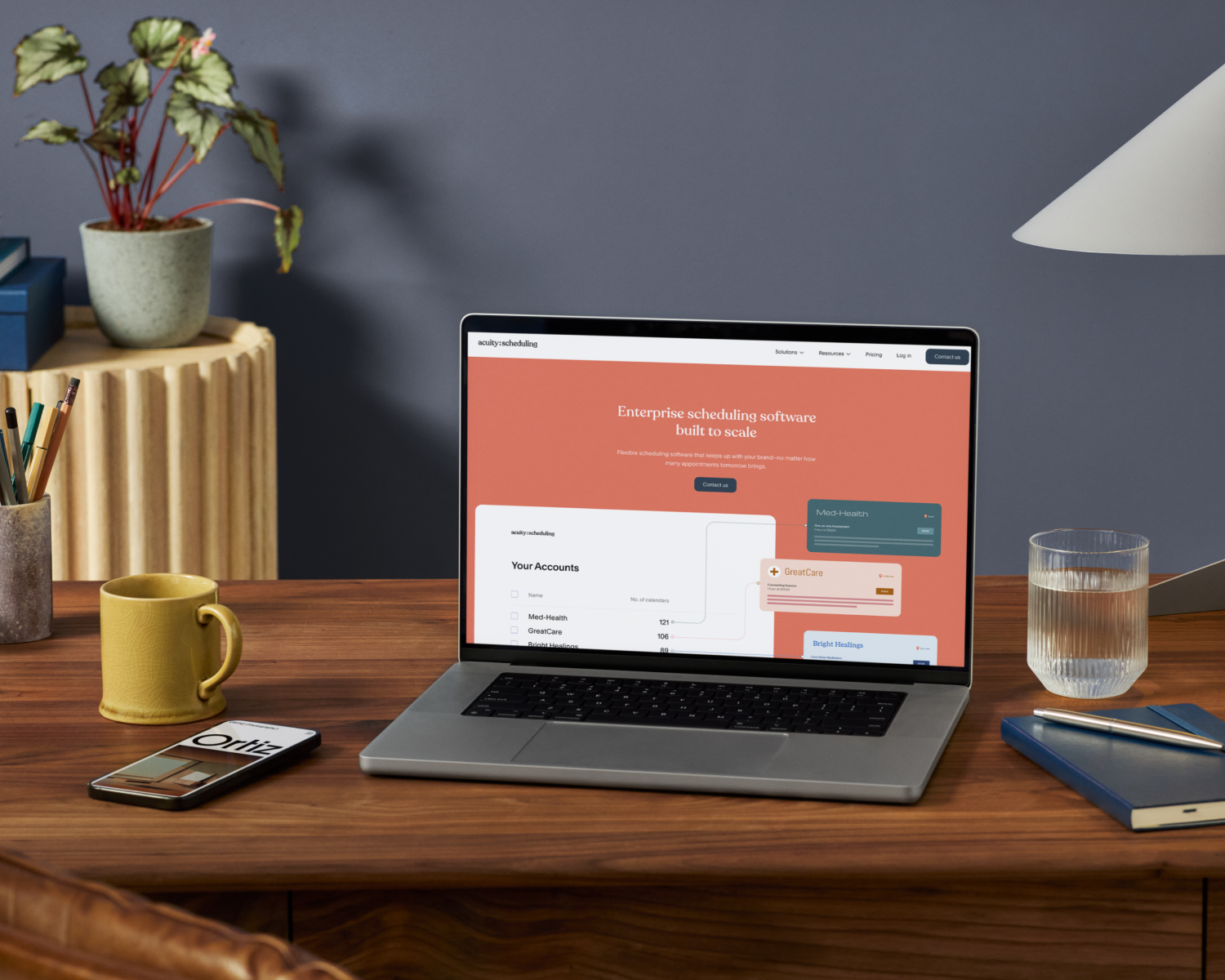
10 Ways Acuity Scheduling Meets Your Enterprise Needs
Discover what a scheduling solution built to scale can do for your enterprise-level business.

Offerte per le feste: 3 soluzioni per incrementare subito le vendite
Stand out in a sea of offers with coupons, packages, and gift certificates your clients can’t resist.

Ridurre le assenze con promemoria via SMS
Learn why text message reminders are a must and how to use them to keep your business from getting ghosted.
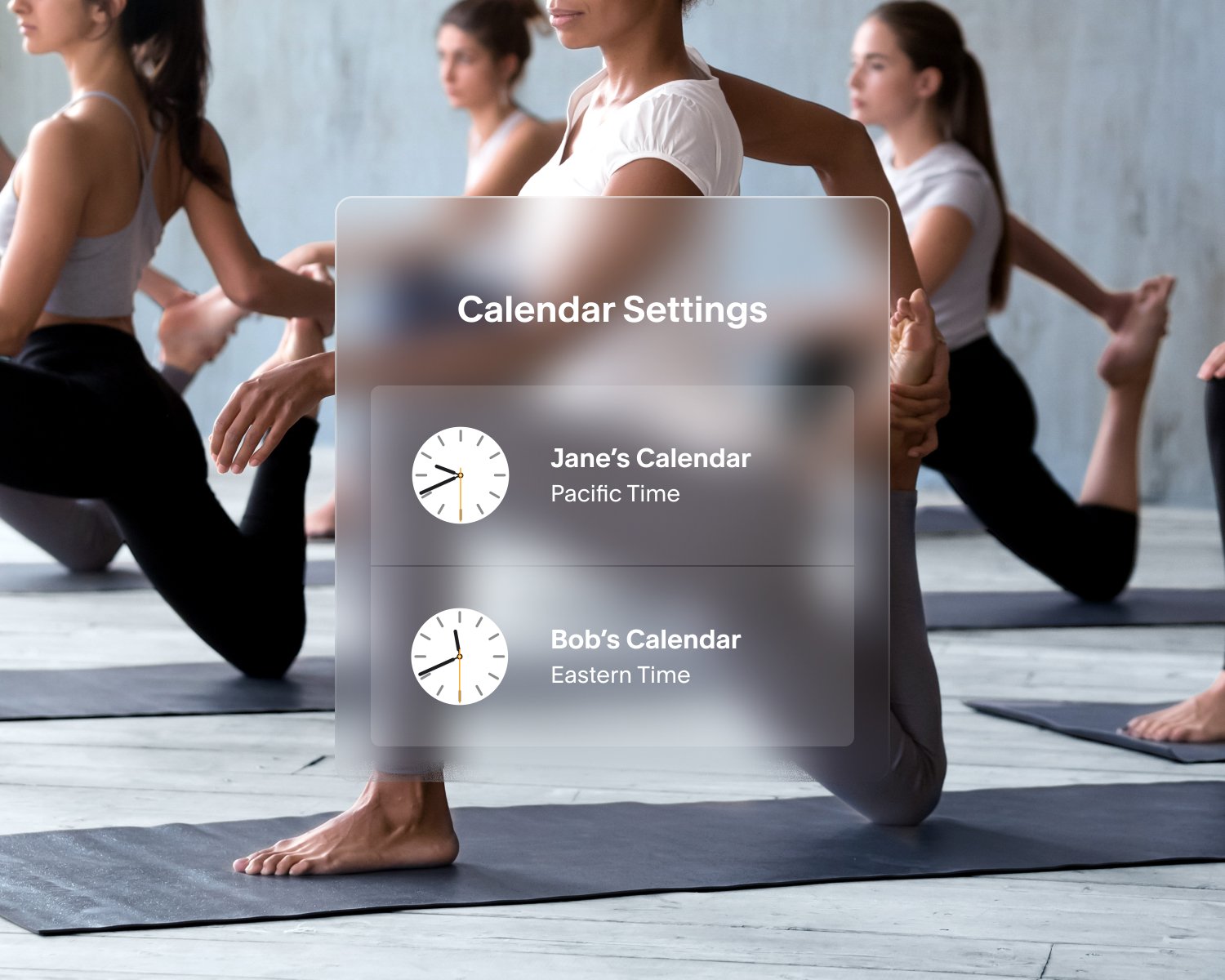
Non perdere il sonno a causa dell'ora legale: Acuity pensa a tutto
Acuity automatically updates for time changes, so you can rest easy. No action required!
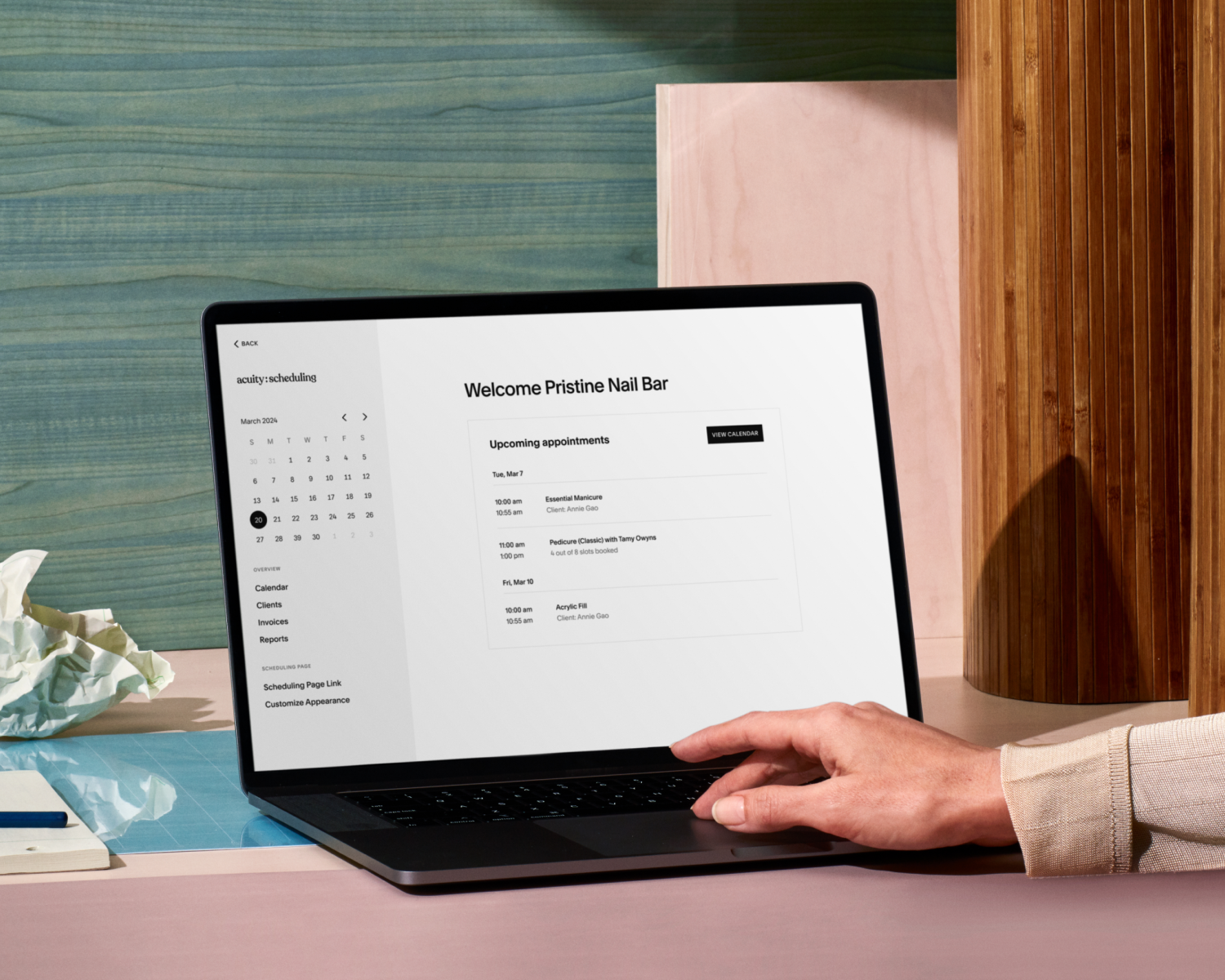
Tutorial: Test Your Acuity Scheduler
Try out your online booking experience from your client’s perspective.

Tutorial: Connect Video Conferencing to Acuity for Virtual Appointments
Take any appointment or class online with powerful video conferencing integrations.
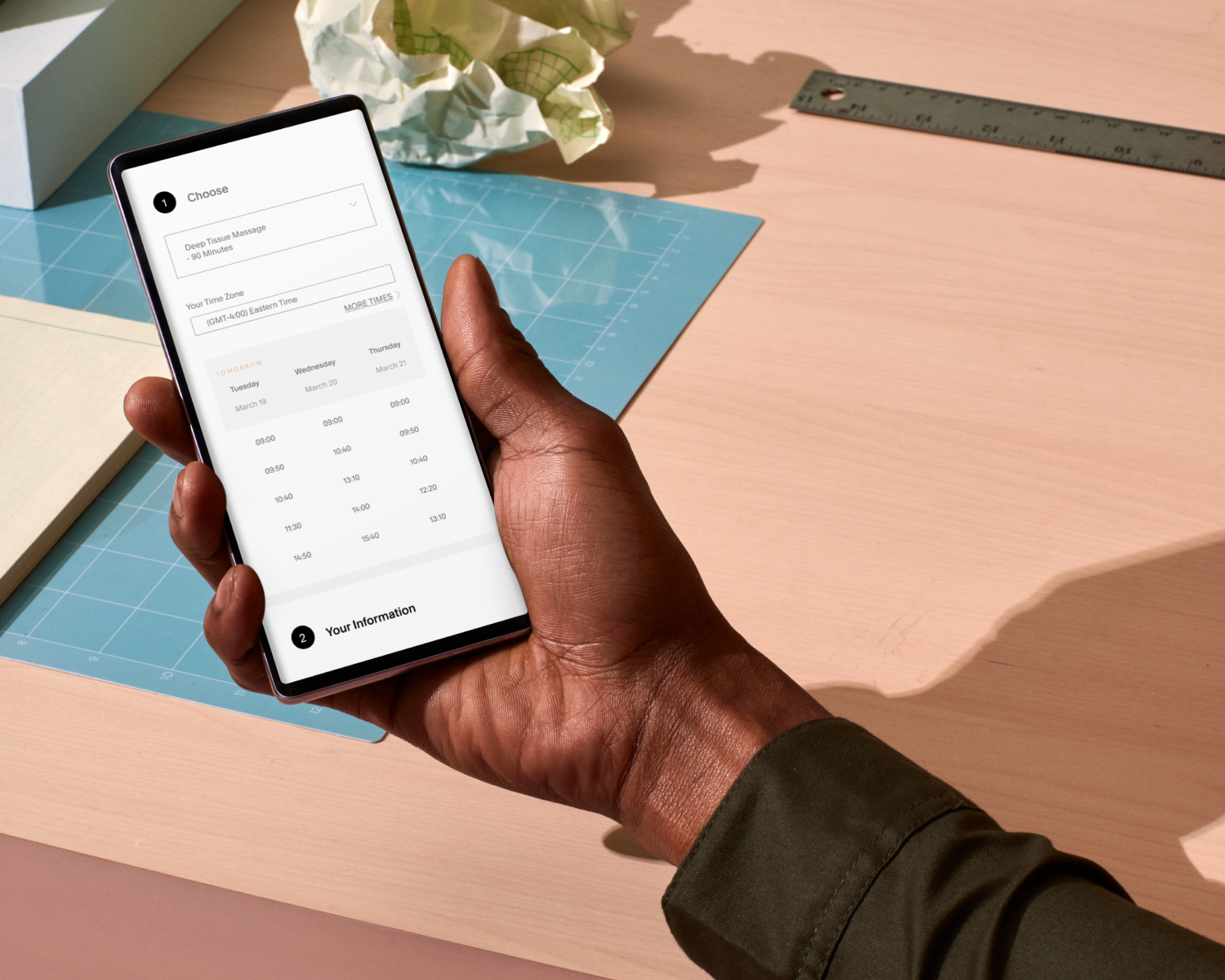
Tutorial: How Clients Book Appointments With Acuity Scheduling
See how clients book, reschedule, and cancel appointments online.

Tutorial: Adding Acuity Scheduling to Your Website
Choose from 3 ways to embed your scheduler and get booked in no time.
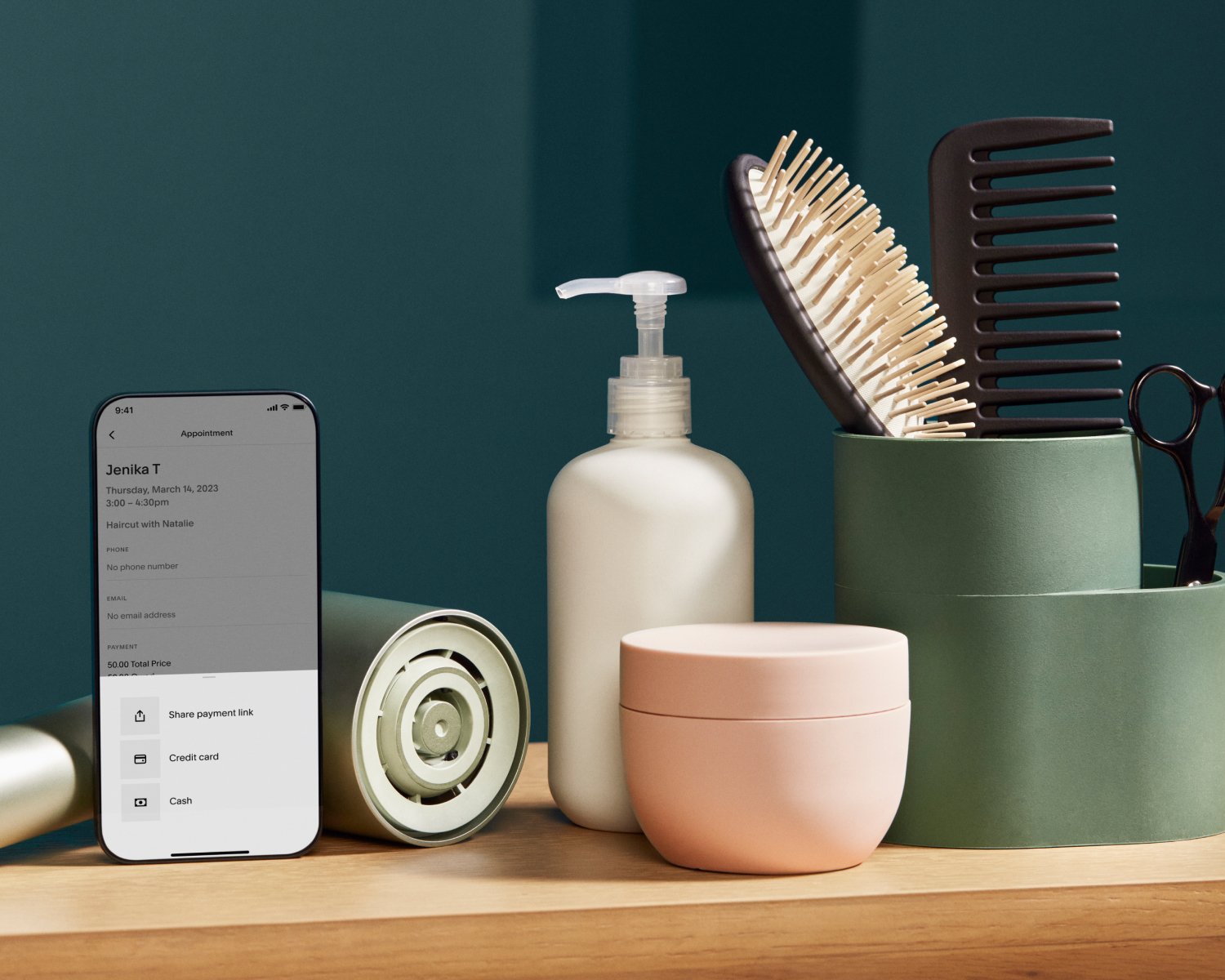
10 modi per utilizzare l'app per dispositivi mobili Acuity per gestire le prenotazioni in mobilità
Discover everything Acuity's mobile scheduling app has to offer, from push notifications to frictionless payments.

Tutorial: How to Automate and Customize Client Emails to Save Time
Spend less time reaching out with this easy email automation tutorial.

Tutorial: How to Create Availability Groups
Set different availability on the same calendar with Acuity’s advanced customization options.

3 motivi per introdurre intervalli tra gli appuntamenti
Discover how buffers between appointments give you time to breathe and make running your day less stressful.

Tutorial: Rearranging Lists
Organize how your offerings appear to clients on your scheduling page.

Tutorial: How to Use Categories
Group appointment types or packages together to get a little more organized.
Tutorial: Create a Schedule That Alternates Weekly
Learn how to set your hours every other week.

Tutorial: How to Set Repeating Hours for Regular Schedules
Create a weekly schedule that repeats for easy booking.

Tutorial: Syncing Appointments With Third-Party Calendars
Connect your personal or business calendar to keep track of your schedule in one convenient place.